
How to Advertise on Instagram?
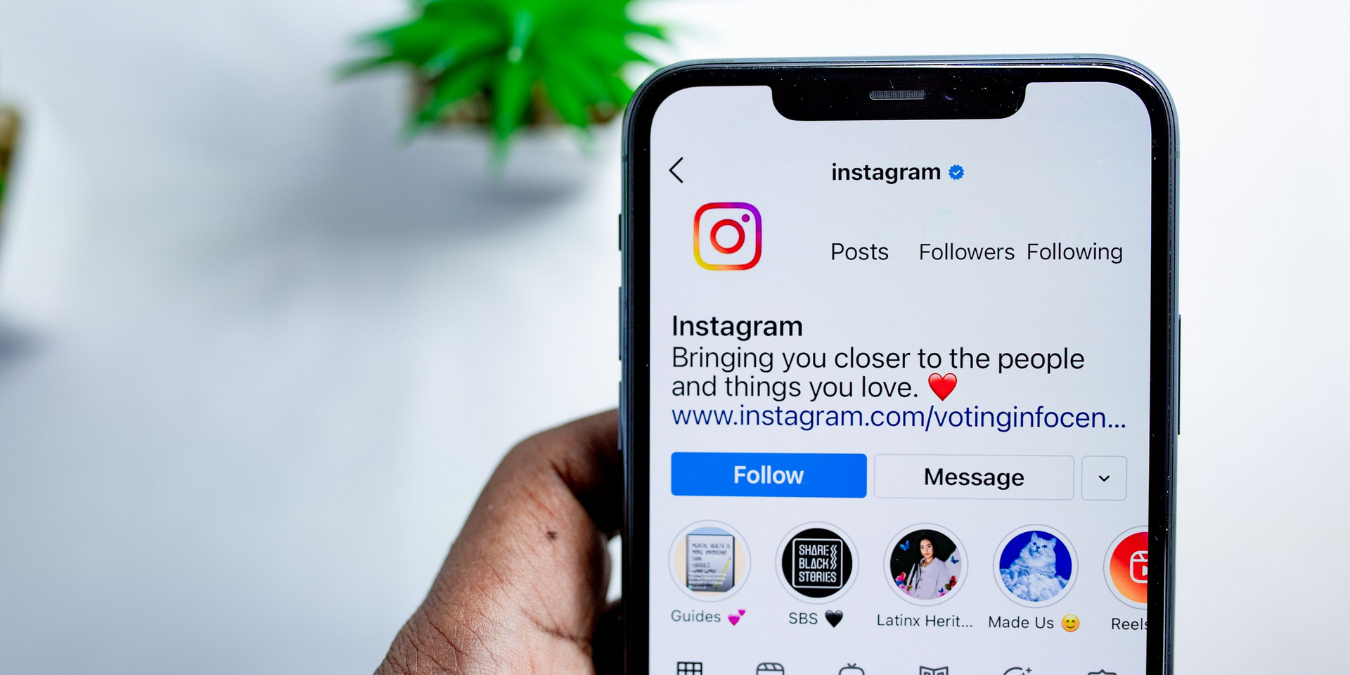
Advertising on Instagram can sometimes feel like losing your way, especially for small businesses and individual entrepreneurs. Many users want to stand out with sponsored posts to gain visibility. However, they often get lost in budget constraints or complex technical details during this process. This guide will teach you how to advertise by helping you think strategically like an Instagram ad expert.
How to Run Effective and Budget-Friendly Ads on Instagram?
The biggest misconception about advertising on Instagram is that you need a high number of followers to do so. Instagram is a social media platform where you can easily run ads regardless of your follower count. Additionally, the idea that people with many followers are inherently more visible in ads is a similar misconception. While advertising provides visibility to people who don't know you yet, this alone is not enough.
Introduction to Instagram Ads
One of the first things to know about Instagram advertising is the importance of grasping the basics, whether you work with an ad manager or not. Ads are, of course, a tool used to increase follower counts and promote services to wider audiences. However, gaining followers is not merely a byproduct of running ads. Advertising is a visibility, marketing, and sales structure that supports the overall layout within your profile.
To get your account ready for advertising, simply complete the following steps:
Switch your account to "Business" or "Creator" mode from your Instagram settings.
Connect your Instagram account to a Facebook Business Page.
Ensure your profile layout fully complies with Instagram's community guidelines and advertising policies.
How Much Do Instagram Ads Cost?
There is no fixed fee for ads on Instagram. The system operates on an auction basis. Ad costs fluctuate depending on how efficiently you use your budget and how accurate your targeting is. It is not possible to predict exactly how much Instagram advertising fees will be. However, there is a recommended upper limit for each ad campaign. Along with this, a lower limit indicating the minimum amount required to run sponsored ads will also appear in the platform.
Factors Affecting Cost Calculation in Instagram Ads
Various factors affect the cost calculation when it comes to Meta advertising on Instagram. Calculating your budget in advance when determining payment methods will ensure you don't encounter any surprises while your ads are running. You can choose the most suitable method for yourself to strictly manage and protect your budget.
Instagram receives payments for sponsored ads through two separate systems: a pre-paid system or an invoicing (post-paid) system:
Pre-paid System: The balance is loaded onto the card in advance. This system is preferred to maintain strict budget control. It is a highly suitable and safe method for users who do not want to exceed their spending limits.
Invoicing System: This works by automatically deducting funds from your registered credit or debit card once a specific spending threshold is reached.
Based on your total budget, the following 4 factors will directly affect your advertising costs:
Sectoral Competition: The density of competitors advertising to the exact same audience as you.
Narrow Audiences: Highly restricted targeting increases competition and costs.
Broad Audiences: Excessively wide targeting results in irrelevant impressions and wasted budget.
Ad Quality: The overall relevance and engagement rate of your creative assets.
Professional Meta Ads Manager Panel
While the in-app "Boost Post" button offers quick solutions, its targeting capabilities are very limited. For those who want professional results, the Meta Business Suite or Ads Manager panel allows you to take complete control.
Follow these step-by-step guidelines to create a Meta campaign:
Log into the Meta Ads Manager panel and click the "Create" button.
Choose a campaign objective that aligns with your goal (Awareness, Traffic, Engagement, or Leads).
Determine your budget (Daily or Lifetime) and enter your campaign dates.
Detail your target audience based on demographics, locations, and interests.
Upload your prepared visual or video (creative), add your persuasive copy, and publish.
How to Advertise on the Instagram Explore Page?
The Explore tab is the "coldest" and most powerful area where your potential customers discover new content. Appearing here also indirectly boosts your brand's organic engagement. Meta ad management is extremely important for those who want to be featured on the Explore page. The key to appearing here lies in the "Placements" setting:
Advantage+ Placements: Meta's advanced AI automatically distributes your ad across all platforms—including the Explore page—where it predicts you will get the highest efficiency. (This generally yields the best performance).
Manual Placements: A more niche strategy where you exclusively check the "Instagram Explore" box during campaign setup, ensuring your ad is shown nowhere else.
Efficiency in Instagram Ads with Ideavent
Advertising on Instagram is not an expense that drains your budget; when structured correctly, it is the most important investment for growing your business. By acting on the data provided by Meta Ads Manager, you can start today with low test budgets. As you see the results, you will realize you are transforming into a professional player. Ideavent builds the exact strategies you need to acquire potential sales through the most accurate paths in Instagram advertising.